


学习爬虫第一步认识python。了解python,了解响应,模块
模块说明:requests是使用Apache2 licensed 许可证的HTTP库,用python编写,比urllib2模块更简洁。Request支持HTTP连接保持和连接池,支持使用cookie保持会话,支持文件上传,支持自动响应内容的编码,支持国际化的URL和POST数据自动编码。在python内置模块的基础上进行了高度的封装,从而使得python进行网络请求时,变得人性化,使用Requests可以轻而易举的完成浏览器可有的任何操作。现代,国际化,友好。requests会自动实现持久连接keep-alive
第一步安装
这里需要配置requests,至于怎么安装,这里用到python的pip
pip install requests第二步导入模块
在python编辑中需要导入模块
import requests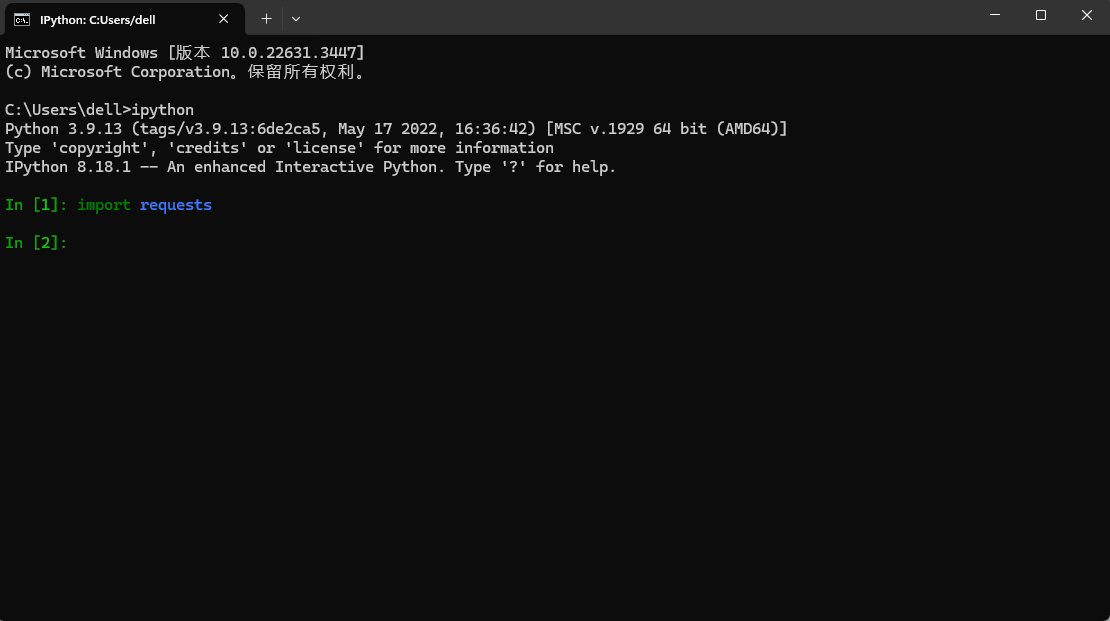
发送请求的简洁
示例代码:获取一个网页(个人github)
import requests

r = requests.get('github链接')       # 最基本的不带参数的get请求
r1 = requests.get(url='http://dict.baidu.com/s', params={'wd': 'python'})      # 带参数的get请求
requests.get(‘[url]https://github.com/timeline.json[/url]’)                                # GET请求
requests.post(“[url]http://httpbin.org/post[/url]”)                                        # POST请求
requests.put(“[url]http://httpbin.org/put[/url]”)                                          # PUT请求
requests.delete(“[url]http://httpbin.org/delete[/url]”)                                    # DELETE请求
requests.head(“[url]http://httpbin.org/get[/url]”)                                         # HEAD请求
requests.options(“[url]http://httpbin.org/get[/url]” )                                     # OPTIONS请求
为url传递参数
url_params = {'key':'value'}       #    字典传递参数,如果值为None的键不会被添加到url中
r = requests.get('your url',params = url_params)
print(r.url)
  your url?key=value
响应内容
r.encoding                       #获取当前的编码
r.encoding = 'utf-8'             #设置编码
r.text                           #以encoding解析返回内容。字符串方式的响应体,会自动根据响应头部的字符编码进行解码。
r.content                        #以字节形式(二进制)返回。字节方式的响应体,会自动为你解码 gzip 和 deflate 压缩。

r.headers                        #以字典对象存储服务器响应头,但是这个字典比较特殊,字典键不区分大小写,若键不存在则返回None

r.status_code                     #响应状态码
r.raw                             #返回原始响应体,也就是 urllib 的 response 对象,使用 r.raw.read()
r.ok                              # 查看r.ok的布尔值便可以知道是否登陆成功
 #*特殊方法*#
r.json()                         #Requests中内置的JSON解码器,以json形式返回,前提返回的内容确保是json格式的,不然解析出错会抛异常
r.raise_for_status()             #失败请求(非200响应)抛出异常
post发送json请求:
import requests
import json

r = requests.post('https://api.github.com/some/endpoint', data=json.dumps({'some': 'data'}))
print(r.json())
定制头和cookie信息
header = {'user-agent': 'my-app/0.0.1''}
cookie = {'key':'value'}
 r = requests.get/post('your url',headers=header,cookies=cookie)
 data = {'some': 'data'}
headers = {'content-type': 'application/json',
           'User-Agent': 'Mozilla/5.0 (X11; Ubuntu; Linux x86_64; rv:22.0) Gecko/20100101 Firefox/22.0'}

r = requests.post('https://api.github.com/some/endpoint', data=data, headers=headers)
print(r.text)
这里可以用burp的一个小插件一键生成,在网络安全行业中,爬虫是非常常用的,配合抓包工具
响应状态码
使用requests方法后,会返回一个response对象,其存储了服务器响应的内容,如上实例中已经提到的 r.text、r.status_code……
获取文本方式的响应体实例:当你访问 r.text 之时,会使用其响应的文本编码进行解码,并且你可以修改其编码让 r.text 使用自定义的编码进行解码。
r = requests.get('http://www.itwhy.org')
print(r.text, '\n{}\n'.format('*'*79), r.encoding)
r.encoding = 'GBK'
print(r.text, '\n{}\n'.format('*'*79), r.encoding)
#下面是代码实例
import requests

r = requests.get('https://github.com/Ranxf')       # 最基本的不带参数的get请求
print(r.status_code)                               # 获取返回状态
r1 = requests.get(url='http://dict.baidu.com/s', params={'wd': 'python'})      # 带参数的get请求
print(r1.url)
print(r1.text)        # 打印解码后的返回数据
#运行结果
/usr/bin/python3.5 /home/rxf/python3_1000/1000/python3_server/python3_requests/demo1.py
200
[url]http://dict.baidu.com/s?wd=python[/url]
…………

Process finished with exit code 0
#如果返回结果不是200,可以修改代码,使用r.raise_for_status() 抛出异常
响应
r.headers                                  #返回字典类型,头信息
r.requests.headers                         #返回发送到服务器的头信息
r.cookies                                  #返回cookie
r.history                                  #返回重定向信息,当然可以在请求是加上allow_redirects = false 阻止重定向
超时
r = requests.get('url',timeout=1) #设置秒数超时,仅对于连接有效会话对象,能够跨请求保持某些参数
s = requests.Session()
s.auth = ('auth','passwd')
s.headers = {'key':'value'}
r = s.get('url')
r1 = s.get('url1')
代{过}{滤}理
proxies = {'http':'ip1','https':'ip2' }
requests.get('url',proxies=proxies)
1